Skip to main content
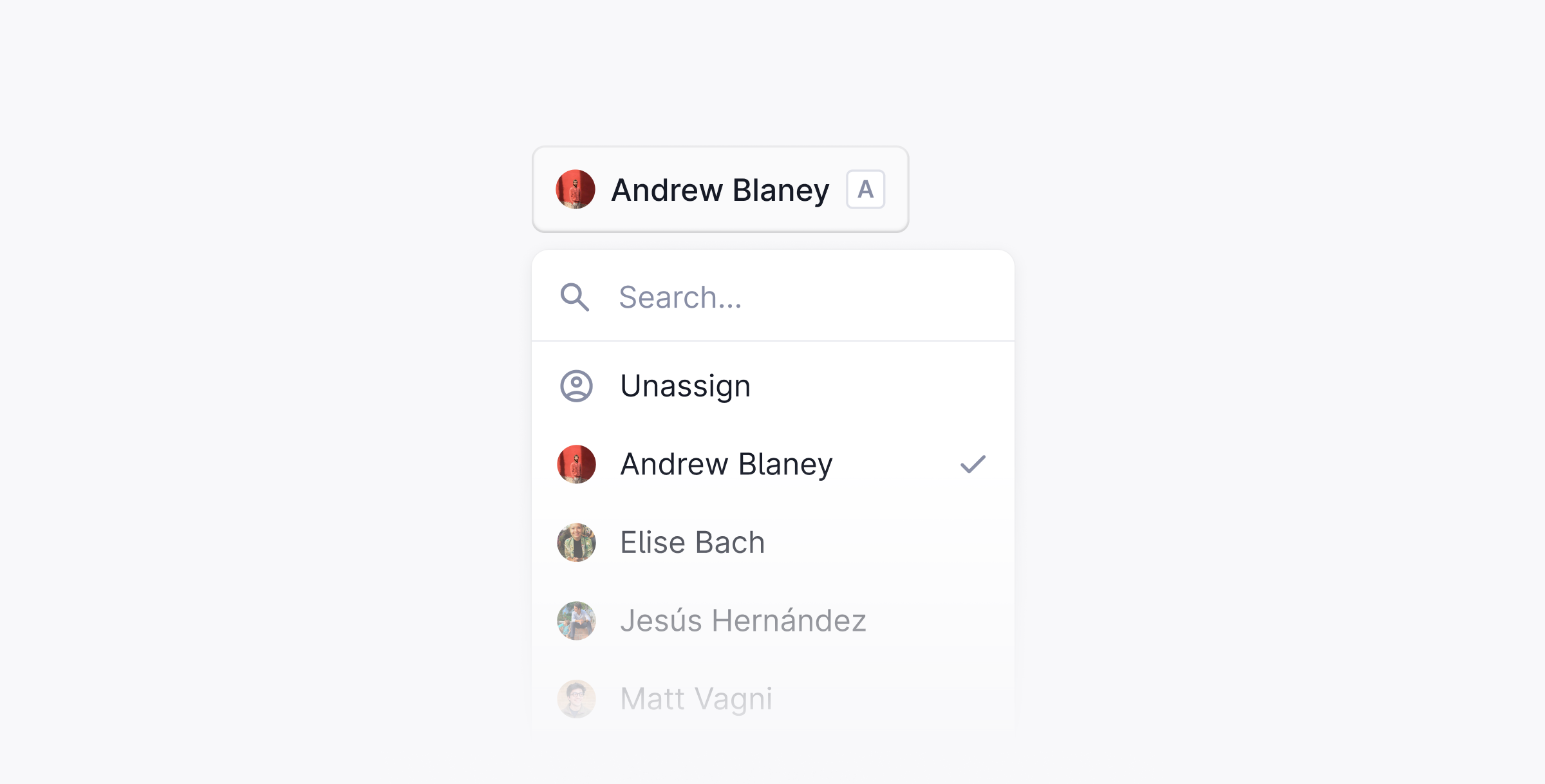
Threads can be assigned to any user in your workspace.
When you start typing a message, Plain will automatically assign you, so you typically don’t have to think about assigning yourself manually.
If you want to assign a thread manually, you can use the shortcut A or use ⌘ + K.
By default in Plain, once you are assigned to a thread, you will never be automatically unassigned. This ensures that if you pick up a support request, you can see it through. We call this behavior “sticky assignment”.
If you’d like to change this behavior, you can do so in Settings → Workflow. Here you can choose to be automatically unassigned when a thread is marked as Done or Snoozed.
We recommend turning sticky assignment off if your team has a shared support rota. That way, whoever is on-call can pick up any threads you didn’t finish.
If you are interested in building fully automated bots using Plain, you can also programmatically assign threads to machine users as a starting point. If this sounds like an interesting use-case to you, please reach out to us via help@plain.com.